
KatanaSpin mobile: app status, home-screen install and browser play in the UK
Here’s the honest headline before you go hunting through app stores: KatanaSpin does not ship a native mobile app in the United Kingdom. What it does run is a mobile-optimised site you can pin to your home screen in seconds — and that shortcut behaves close enough to an app that most players never notice the difference.
Table of contents
Does KatanaSpin have a mobile app?
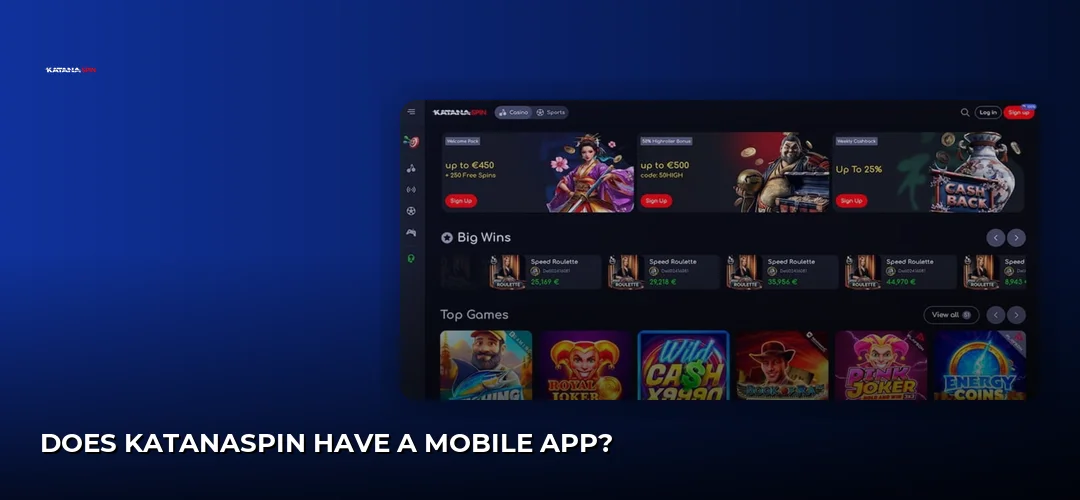
No. There is no native KatanaSpin iOS app and no Android app. The casino runs as a progressive web app (PWA) — you open it in Safari or Chrome, add it to your home screen, and launch it from an icon like any other app. If a site claims to host a KatanaSpin casino app, it is not coming from the operator.
That approach cuts out the middleman entirely. No store approval queues, no downloads eating storage, no version mismatch between what’s live on the site and what’s sat on your phone. Every game, every promotion and every account tool that goes live on desktop is live on your handset the moment you open it.
What you need to play on mobile:
- An iPhone or iPad with Safari, or an Android phone or tablet with Chrome
- A stable mobile data or Wi-Fi connection
- A verified KatanaSpin account
- No storage headroom worth worrying about — the home-screen shortcut is a bookmark with an icon, not an installed package
On UK availability: KatanaSpin accepts players from the United Kingdom and handles balances in GBP. Licensing, though, deserves a clear-eyed look. The operator’s own key-facts table lists a Curaçao / Anjouan licence, one review cites a Curaçao eGaming licence instead, and at least one review states there is no UK Gambling Commission licence and no direct GamStop integration. Sources conflict, so treat the licensing picture with caution before you deposit. The full brand rundown lives here: KatanaSpin Casino.
How do I download the KatanaSpin app?
You don’t download anything — you install a home-screen shortcut from the KatanaSpin website itself using your phone’s built-in browser menu. The process takes under a minute on both iOS and Android, requires no permissions and installs no third-party software on your device.
Because nothing is being installed in the traditional sense, the usual mobile-download risks simply don’t apply here. There is no installer to be tampered with, no sideloading, and no need to loosen any of your phone’s security settings.
How to add KatanaSpin to your iPhone home screen
Skip the App Store — searching it for KatanaSpin returns nothing from this operator. Do this instead:
- Open Safari and go to the KatanaSpin site.
- Log in, or create your account first — the sign-up walkthrough is here: KatanaSpin registration process.
- Tap the Share icon in the browser bar.
- Scroll and tap Add to Home Screen.
- Name the icon and confirm. It now sits on your home screen alongside your other apps.
Launched from that icon, the casino opens in its own window without the Safari address bar cluttering the top of the screen — which on a smaller iPhone display genuinely buys you a chunk of extra reel space. Face ID and Touch ID still work for autofilling saved login credentials through iCloud Keychain, exactly as they would in the browser.
Is there a KatanaSpin APK for Android?
There is no official KatanaSpin APK file. The operator does not distribute an Android package and the casino is not listed on Google Play, so any APK you find advertised under this brand name did not come from KatanaSpin and should not be installed. Use the Chrome shortcut instead.
This matters more than it sounds. Sideloading an unknown APK means switching on installation from unknown sources and handing an unverified file access to your device — for a casino that has never published one, that is a straight security risk with zero upside. There is nothing to verify because there is nothing legitimate to download.
The Chrome route on Android:
- Open Chrome and load the KatanaSpin site.
- Tap the three-dot menu in the top-right corner.
- Choose Add to Home screen (Chrome may offer an install prompt automatically).
- Confirm the name and tap add.
- Launch from the new icon — full-screen, no unknown-sources toggle, no APK.
What games and features work on the KatanaSpin mobile site?
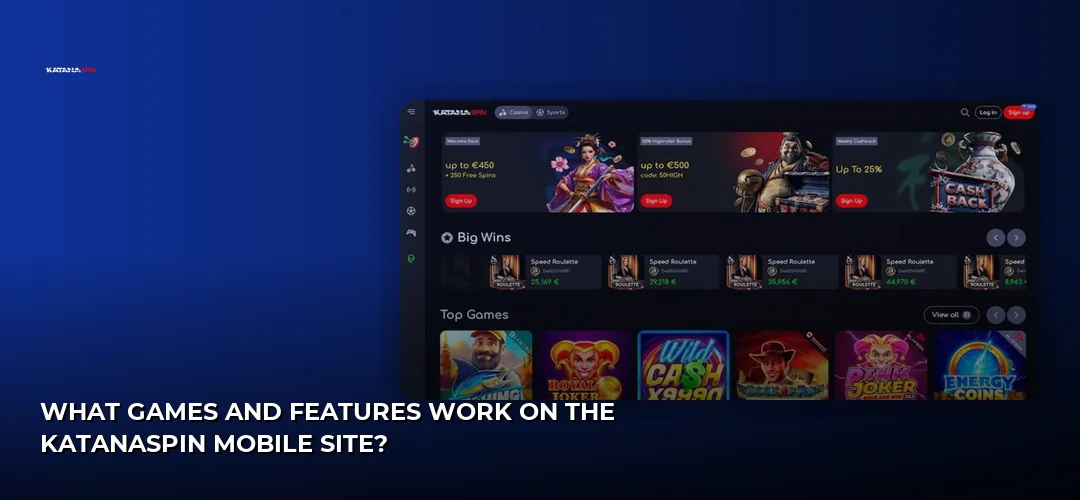
Everything does. The mobile site draws from the same lobby as desktop, so slots, live dealer tables and the sportsbook are all reachable from your phone, with the same account balance, the same promotions and the same support channels behind them.
The provider line-up you’ll find on the reels and at the tables includes Pragmatic Play, NetEnt, Play’n GO, Evolution, Hacksaw Gaming, Wazdan, BGaming, Microgaming, Habanero, Nolimit City, Yggdrasil and Red Tiger. These studios build in HTML5, which is precisely why the titles scale to a phone screen without a separate mobile build — portrait play, tap-to-spin, and live tables that stream fine over a decent connection.
Account management is all there too:
- Logging in and switching accounts
- Depositing and requesting withdrawals in GBP
- Uploading KYC documents straight from your camera roll
- Claiming promotions and tracking VIP progress
- Reaching 24/7 live chat and email support from inside the session
Banking on a phone is where the camera earns its keep. You can snap and upload your verification documents on the spot: a government-issued photo ID (passport, driving licence or UK national identity card), proof of address no older than 3 months (utility bill, bank statement, council tax letter or official government letter), a selfie or live photo, and payment method verification. Deposits and cashouts run through Visa and Mastercard, Skrill, Neteller, PayPal, Trustly, bank transfer, Paysafecard and, as a secondary option, cryptocurrencies including Bitcoin, Ethereum, USDT and XRP. Timings, limits and the £10 minimum are broken down here: KatanaSpin deposits and withdrawals.
New players landing on mobile get the same welcome deal as desktop — 100% up to £1,000 + 100 Free Spins, with a £10 minimum deposit, 35x wagering, a £5 maximum bet and 30-day expiry. The terms in full: KatanaSpin welcome bonus.
Do I need an app, or is the mobile browser enough?
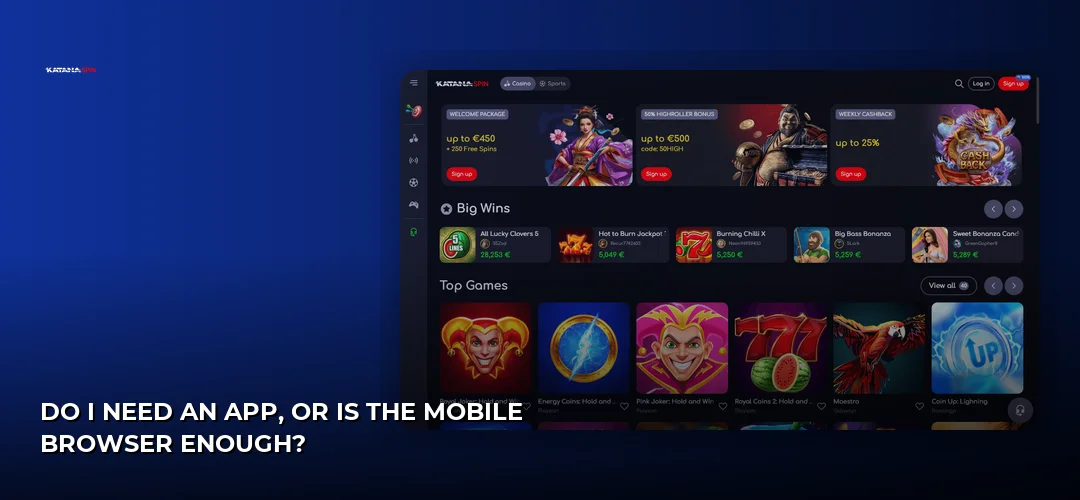
The browser is enough — it’s the only option, and it’s a good one. A PWA shortcut gives you app-style launching without the download, the storage cost or the update cycle, and because the casino is served live you are always on the current version of the lobby.
Where the home-screen shortcut wins:
- Full-screen play with the browser chrome hidden
- One-tap launch from your home screen
- Nothing to update, ever — new games appear the moment they go live
- No storage taken up on the device
- No sideloading and no relaxed security settings
Where the plain browser tab still makes sense:
- You’re on a shared or work device and don’t want an icon left behind
- You want your browser’s password manager and extensions in play
- You’re switching between the casino and other tabs constantly
- You only play occasionally and don’t want a permanent shortcut
Either way you land in the same place. Open the shortcut, log in, pick a Pragmatic Play slot or an Evolution table, and the session runs exactly as it would on your laptop.
Frequently asked questions about KatanaSpin
Does KatanaSpin have a mobile app?
No. KatanaSpin has no native iOS or Android application. The casino operates as a progressive web app instead — you open it in Safari or Chrome and add it to your home screen, which gives you an app-style icon and full-screen play without installing any software on your phone.
How do I download the KatanaSpin app?
There is nothing to download. Open the KatanaSpin site in Safari and tap Share, then Add to Home Screen; on Android, open Chrome, tap the three-dot menu and choose Add to Home screen. The icon then launches the casino directly, with no store account or installer involved.
Is the KatanaSpin APK safe to download?
KatanaSpin does not publish an APK, so any file offered under that name comes from an unofficial source and should be avoided. Installing it would mean enabling unknown sources and trusting an unverified package. Use the Chrome home-screen shortcut instead — same games, no security trade-off.
Can I play KatanaSpin on iPhone?
Yes. Open the casino in Safari, log in and play in the browser, or add it to your home screen for a full-screen window without the address bar. Slots and live dealer tables from studios such as NetEnt, Play’n GO and Evolution run in portrait or landscape on iPhone and iPad.
Is KatanaSpin available in the United Kingdom?
KatanaSpin accepts UK players and handles balances in GBP. Licensing is where care is needed: the operator’s key-facts table lists a Curaçao / Anjouan licence, another review cites Curaçao eGaming, and at least one review states there is no UK Gambling Commission licence and no direct GamStop integration.
Do I need to download the app or can I use a mobile browser?
The mobile browser is the route — there is no app to download. Safari and Chrome both load the full lobby, your account tools and the cashier. Adding the site to your home screen simply removes the browser bar and gives you a one-tap launch icon.
What games are available on the KatanaSpin mobile site?
The same library you get on desktop: slots, live dealer tables and the sportsbook, with titles from Pragmatic Play, NetEnt, Play’n GO, Evolution, Hacksaw Gaming, Wazdan, BGaming, Microgaming, Habanero, Nolimit City, Yggdrasil and Red Tiger. Because games are built in HTML5, they scale to phone screens without a separate mobile version.
How do I update the KatanaSpin mobile shortcut?
You don’t. The home-screen icon points at the live site, so new games, promotions and interface changes appear the moment the operator publishes them. If something looks stale, clear your browser cache or delete and re-add the shortcut — there is no version number to check.
Pin KatanaSpin to your home screen, log in, and the whole lobby is one tap away — slots, live tables and the sportsbook, all in GBP.